

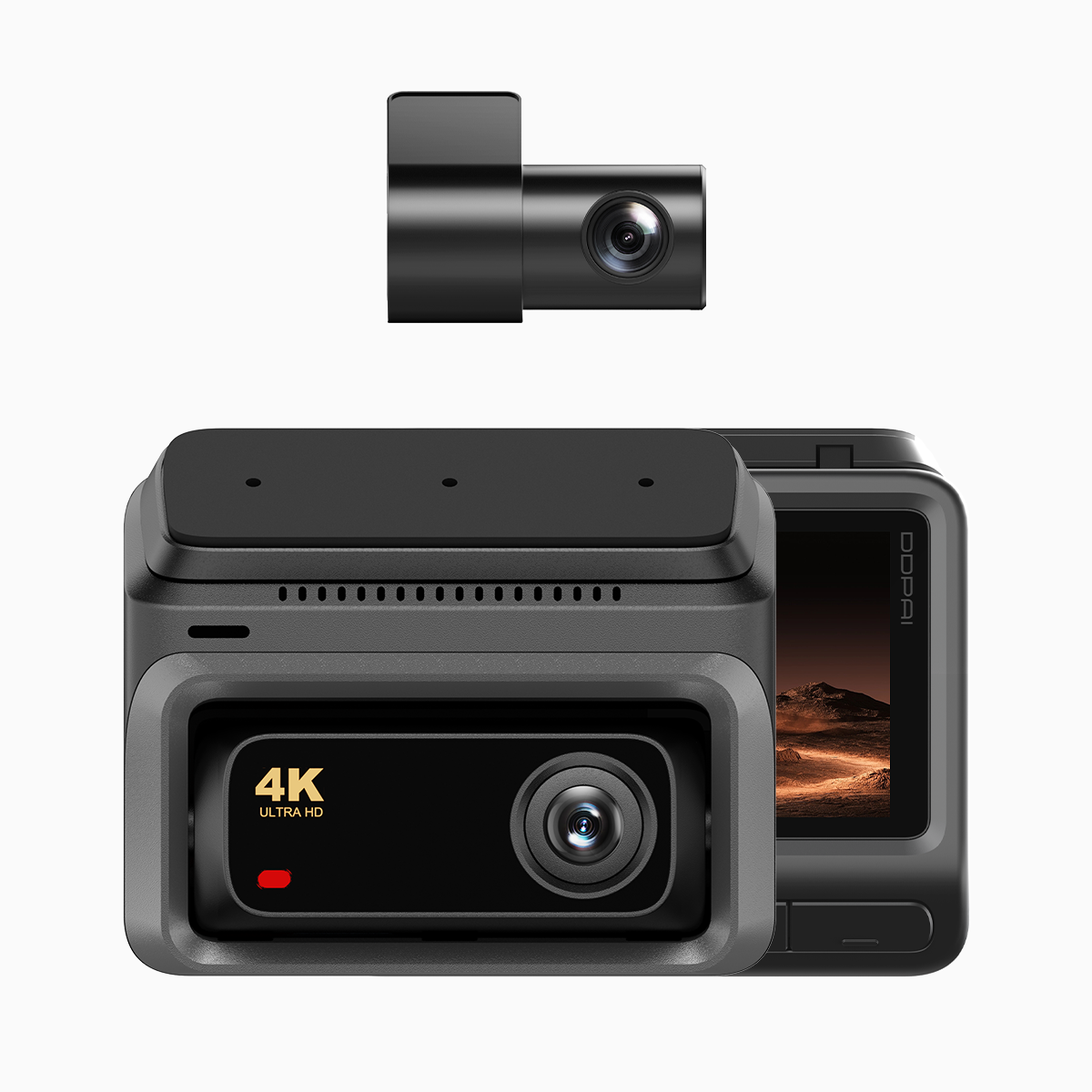
Why a comparative view matters for commuters and road trippers
Deciding on a dash cam isn’t one-size-fits-all. The needs of a daily EDSA commuter in Metro Manila—short, congested stretches, frequent stops, lots of incidental footage—differ from those of someone tackling long-distance journeys on provincial highways. A compact unit with reliable connectivity can make city life easier; a robust recorder with higher resolution and endurance suits long hauls. That’s where a practical 4g dash cam shows its value: cellular backup, cloud upload and real-time incident alerts bridge both use cases without blowing the budget.

Core feature differences to prioritise
Focus on handfuls of specs rather than a long list. For EDSA commuting, prioritise: low-light performance, wide-angle lens for multiple lanes, and dependable G-sensor triggers so small collisions or theft attempts are captured. For long-distance drives, weight the checklist toward high resolution, stable frame rate and efficient bitrate to keep distant details legible at highway speeds. GPS and parking mode are useful across both scenarios, but 4G LTE connectivity becomes decisive if you want live location sharing or remote incident alerts.
Two budget setups that work—and common mistakes to avoid
Commuter setup (budget-friendly): a compact dual-channel unit, 1080p front, 720p rear, good low-light sensor, parking mode and G-sensor. Keep the SD card modest (32–64GB, Class 10) and enable loop recording. Long-distance setup (value-focused): 4K front with 30fps or 60fps options, higher bitrate, robust heat management and optional external GPS. Add a larger SD (128GB) and consider a power kit for uninterrupted recording. Choose a model with 4G capability only if you’ll actually use cloud features—paying for data and leaving it idle is a common waste.
Practical install and data-plan tips
Mount the camera behind the rear-view mirror to avoid blocking sightlines and to keep the lens steady. Use quality microSD cards from known brands and reformat them in the device periodically to avoid file corruption. If you opt for a 4G-enabled unit, match the data plan to behaviour: occasional incident uploads need little data; continuous cloud backup does not fit a tiny prepaid allotment. Pay attention to heat: long idling or continuous high-bitrate 4K recordings can raise internal temperatures, which shortens device life—so moderate settings when parked under direct sun.
Alternatives and a quick comparison
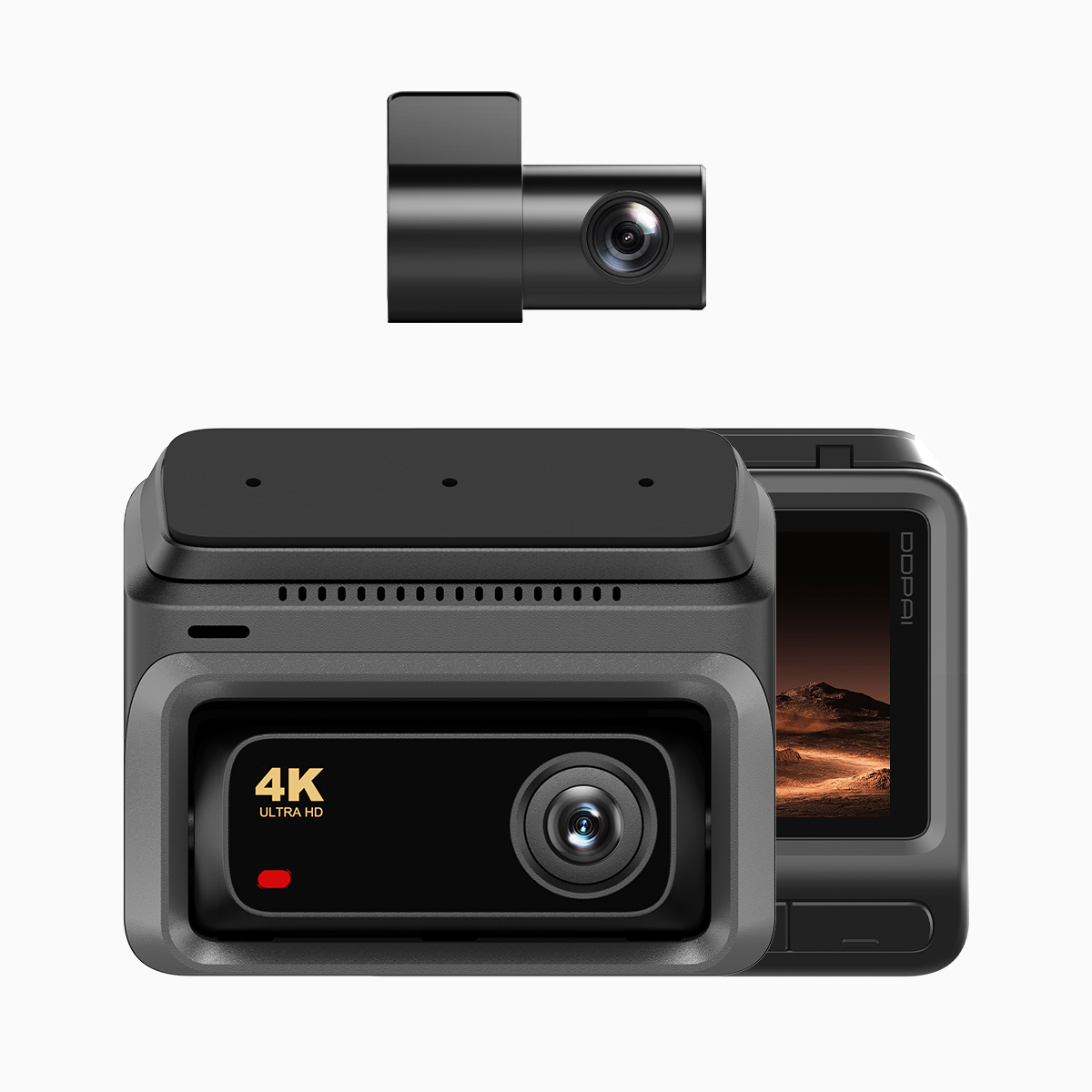
If cellular features aren’t essential, a high-quality non-4G dash cam often gives better image-to-cost ratio—higher bitrate and larger sensors for the same money. On the other hand, a 4G-capable recorder pays back when you need remote retrieval of footage after a hit-and-run on a busy urban artery. Consider hybrid systems: pair a primary dash cam with a lightweight secondary rear camera, or choose a model that offers optional 4G modules. Avoid the two usual mistakes—overbuying specs you’ll never use, and skimping on storage and mounting quality, which are as important as sensor performance.
Real-world anchor and measured expectations
During morning peak on EDSA, incidents and lane merges happen frequently; a well-configured dash cam with prompt incident tagging reduces time spent filing reports with authorities. Expect clearer incident evidence with higher resolution and proper frame rate; expect more reliable location stamps with GPS-enabled units. Industry terms to keep in mind: resolution, frame rate and G-sensor—they’re not just specs, they determine usefulness at the scene.
Three golden rules for choosing the right budget dash cam
1) Match features to real usage: choose 4G and cloud only if you’ll use remote access regularly. 2) Prioritise reliability over headline specs: stable firmware, proper cooling and reputable storage support reduce headaches. 3) Budget for installation and a decent SD card—these often cost more than a mount and make the system actually work.
Follow those rules and you’ll get consistent evidence for urban collisions and dependable footage on long trips—making the smart pick easier and less costly. DDPAI Philippines fits that balance naturally for many drivers—reliable features without unnecessary extras. –